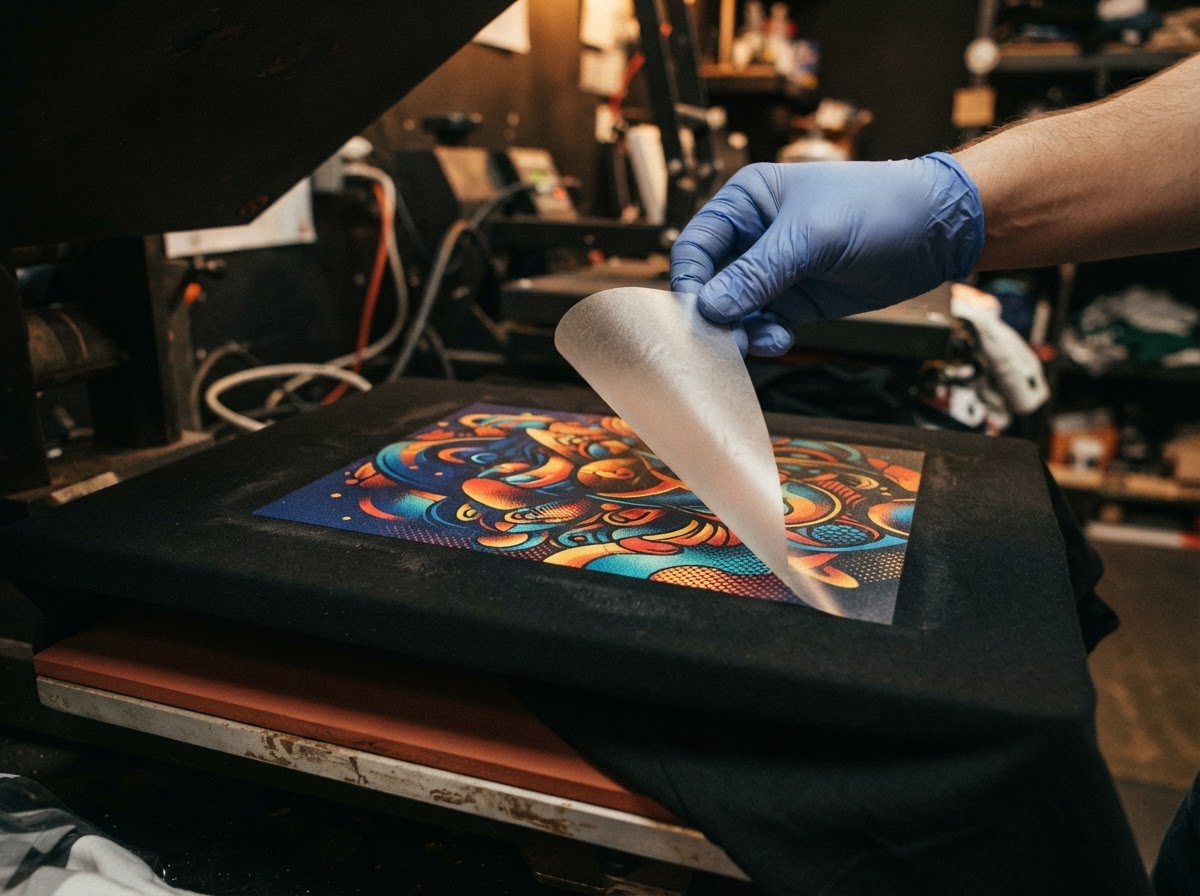
DTF Transfers
Custom DTF transfers — singles and gang sheets. Upload your design, pick your size, and we'll print it. Same day available.
Gang Sheet Builder
Upload your designs, drag them onto the sheet, resize and rotate — then submit your gang sheet order in one click.
Sheet Canvas (22" × 24")
Upload designs to start building
Drag to position · Click to select
Price Calculator
Place Your Order
Design Tips
Follow these guidelines to ensure your DTF transfers come out crisp, vibrant, and ready to press.
Use High-Resolution Files
Submit artwork at 300 DPI or higher at actual print size. Low-res images will print pixelated and blurry.
Transparent Backgrounds
Use PNG with transparency for best results. Any white or colored background in your file will print as part of the design.
Size to Print Dimensions
Set your canvas to the exact print size in inches. Scaling up a small file causes quality loss — scale down instead.
Vector is Best
AI, EPS, and SVG files stay crisp at any size. Raster formats (PNG, JPG) should be at least 300 DPI at final size.
Convert Text to Outlines
Outline all fonts before exporting so your text renders correctly even if we don't have the same font installed.
Avoid Thin Lines
Lines thinner than 2pt may not transfer cleanly. Bold lines and solid shapes produce the sharpest, most durable prints.
Questions? Need Help?
Shoot us a message and we'll get back to you as soon as possible.

